
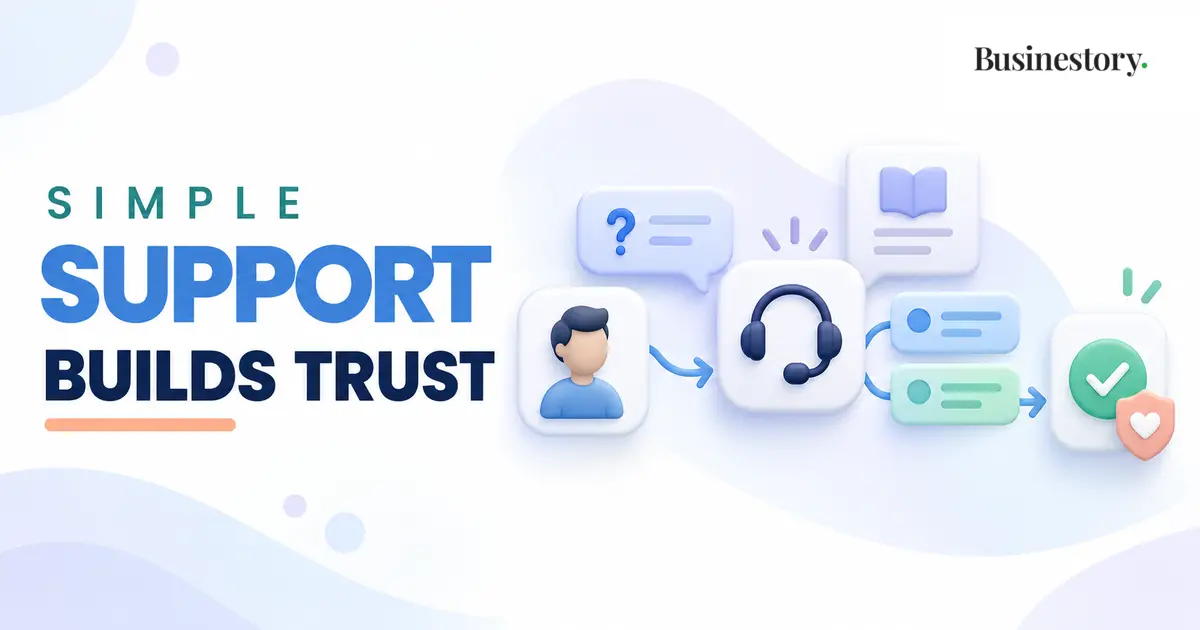
Making a sale is important, but your relationship with a customer does not end after payment. Customers may need help using a product, understanding a service, or fixing a problem. The way you respond can affect whether they trust your business and return later.
Customer support does not need to be complicated. A beginner needs a clear contact method, reasonable response times, and a system that can be managed consistently.
A simple onboarding process can prevent many support questions before they happen.
What Does Customer Support Mean?
Customer support means helping customers when they have a question or problem related to something they bought from you.
A customer may ask how to download a digital product, when a service will be completed, or whether a change is included. They may also report that a link does not work or that they received the wrong file.
Support also means giving directions, correcting mistakes, and helping customers use their purchase. It shows that customers have not been forgotten.
You Do Not Need a Large Team
Many beginners imagine that support requires several employees, live chat, or expensive software. Most small online businesses do not need these things at the beginning.
With only a few customers, you can use email, a contact form, or direct messages. Customers simply need to know how to reach you and receive replies as promised. Add software or hire help later if requests become difficult to manage.
Onboarding and Support Are Different
Customer onboarding helps a new customer begin soon after purchasing. It may include a welcome message, access instructions, and the next steps.
Ongoing support helps when questions or problems appear later. A client may ask about project progress, or a course buyer may be unable to open a lesson two weeks later.
Onboarding prepares the customer. Support provides help when it is needed after that beginning.
Choose One or Two Support Channels
Do not offer support everywhere if you cannot check every channel regularly. Customers may become frustrated if they message you through a platform you rarely open.
Email is often the simplest main channel. It keeps the conversation together and allows customers to explain their problem clearly. A website contact form is also useful because it can send messages to the same inbox.
Direct messages may work for a social media business. Email is usually better for files, order numbers, and longer explanations.
Choose one main channel and, if necessary, one secondary channel. Show the contact information on your website, delivery email, purchase page, or customer account area.
Set a Clear Response Time
Customers should know approximately when to expect a reply. Otherwise, they may send several messages because they do not know whether the first was received.
“We usually reply within two business days” creates a reasonable expectation. Mention if you reply only Monday to Friday. Never promise instant support unless you can provide it consistently.
Clear response times tell customers when to wait or follow up. They also stop every message from feeling like an emergency.
If a problem needs more time, send a short update. Say that you are checking it and when the customer can expect your next message.
Write Short and Clear Replies
A helpful reply does not need to be long. Read the complete message, identify the exact question, and answer it directly.
Use simple sentences and put any steps in the correct order. Include only the links and details needed for that problem.
For example: “Your file is in the purchase email. Open the email and select the download button. If it does not work, reply with your order number, and I will check it.”
Before sending, ask whether the customer will understand what to do next.
Use FAQs and Saved Responses Carefully
When several customers ask the same question, add it to a simple FAQ. Common subjects include delivery, downloads, refunds, revisions, account access, and contact details.
Saved replies also reduce work and keep information consistent. Treat them as starting points, not automatic answers.
Add the customer’s name when appropriate. Remove unrelated sentences and include a brief line showing that you read the message. The reply can be efficient while still sounding human.
Clear limits in your original offer can also prevent misunderstandings about support and revisions.
Handle Complaints Calmly
A complaint can feel personal. Do not reply while angry or defensive. Read carefully and identify the real problem.
Begin by acknowledging the issue: “I understand that receiving the wrong file was frustrating.” Confirm the facts and ask for any important missing information.
Understand the problem before offering a solution. Explain what you can do and by when. If you made a mistake, admit it and correct it where possible.
You do not have to accept abusive behaviour or demands outside the agreement. Stay calm, remain respectful, and refer to your stated policies.
Create Healthy Support Boundaries
Support boundaries cover working hours, response times, revision limits, approved contact channels, and how long help remains available.
Also explain what support does not include. Buying a website template may include installation help but not free website design. A freelancer’s package may include two revisions but not unlimited changes.
Show important limits before the purchase and repeat them when necessary. Clear boundaries reduce misunderstandings and help you serve every customer fairly.
Know When to Reply Personally
Standard answers work for common questions, but some problems need personal attention. Handle an issue personally when it involves payment, private information, repeated technical failure, a missed deadline, an unusual request, or an unhappy customer.
Personal help is also necessary when your usual instructions have failed. Review the situation, ask for missing details, and give a specific next step.
Practical Customer Support Examples
A freelancer asked for another revision can state the agreed limit, explain the extra cost, and ask whether the client wants to continue.
A digital product creator can verify a buyer’s order, send a new download link, and improve the FAQ if the issue continues.
A blogger can answer what they genuinely know about an affiliate product but should direct billing, shipping, returns, and warranty problems to the seller.
A service business can answer an appointment delay by apologising and offering suitable new times.
Common Customer Support Mistakes
Slow replies without a stated response time create uncertainty. Defensive replies can turn a small issue into a larger conflict. Unclear contact methods cause customers to leave messages in several places.
Promising instant support can exhaust a solo owner. Ignoring repeated problems is another mistake. If many people ask the same question, improve your instructions, FAQ, product, or delivery message.
A Simple Customer Support Process
Beginners can follow this process:
- Choose one main support channel.
- Display the contact method clearly.
- State your working days and response time.
- Read each message fully.
- Identify the main question or problem.
- Ask only for the information needed.
- Give a short answer or clear next step.
- Record any problem that still needs action.
- Follow up at the time you promised.
- Add repeated questions to an FAQ or saved reply.
This system can begin with a normal inbox. Check it at set times so support does not interrupt every task.
Repeated support questions can also become useful feedback for improving your business.
Final Thoughts
Simple customer support is mainly about clarity, reliability, and respect. Customers need to know where to contact you, when you will probably reply, and what kind of help you provide.
Begin with one manageable channel and honest boundaries. Answer directly, handle complaints calmly, and notice repeated problems. A small business may not offer support every hour, but it can still provide dependable and human help.
Good customer support does not mean being available all the time. It means making it easy for customers to get clear and useful help when they need it.