
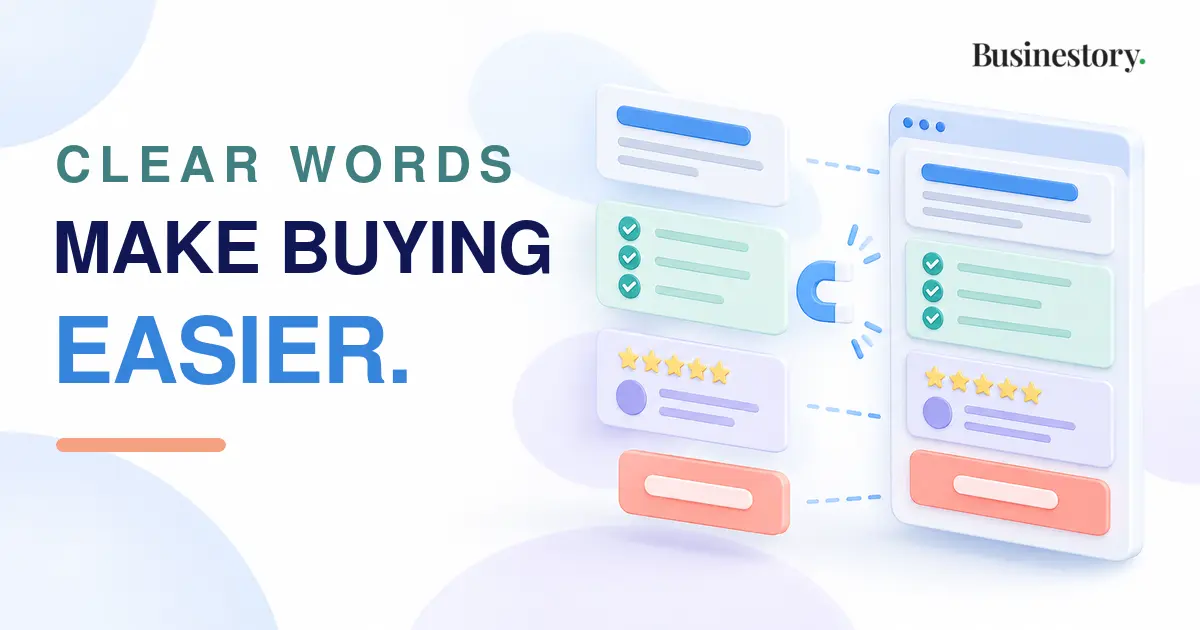
When you create your first online offer, you need a clear page that explains it to potential customers. This is called a sales page.
A sales page tells people what you are offering, who it is for, how it can help, what they will receive, how much it costs, and what they should do next.
It does not need aggressive selling, exaggerated claims, or complicated design. A simple, honest page is easier to understand.
Before writing a sales page, make sure the offer clearly explains the customer, result, contents, price, and limits
The Difference Between an Offer and a Sales Page
A clear offer is the actual product or service you are selling. It includes the result, price, delivery details, support, limits, and everything the customer receives.
A sales page is the page that presents that offer.
For example, a freelancer may offer a five-page website. The offer includes the pages, delivery time, revisions, price, and support. The sales page explains these details in a clear order.
Creating the offer comes first. The sales page then explains it honestly.
Why a Sales Page Can Be Simple
Some beginners use phrases such as “life-changing,” “secret formula,” or “guaranteed success.” These words can reduce trust when there is no proof.
Customers mainly want to know what the offer is, whether it can help them, what they will receive, how long it takes, what it costs, and what happens after payment.
Short paragraphs, useful headings, and one visible button are enough.
Write a Clear Headline
The headline is the first line people notice. It should explain the main result without hype.
A weak headline may say:
“Transform Your Business Today.”
It sounds exciting, but it does not explain what the customer will receive.
A clearer headline may say:
“Get a Simple Five-Page Website for Your Small Business.”
A digital product creator may write:
“Plan Your Weekly Content With a Simple Printable Calendar.”
A good headline helps the right person understand the offer quickly.
Explain the Customer Problem
After the headline, describe the main problem the customer is facing. Do not make it sound worse than it is.
For example:
“Many small business owners need a professional website, but they do not know how to design one or organize the content.”
Focus on one main problem so the page stays clear.
Describe the Promised Result
Next, explain the result the customer can reasonably expect.
For example:
“By the end of the service, you will have a clean five-page website ready to show your business information, services, and contact details.”
Avoid promises such as “You will double your sales” unless you can prove and control that outcome. Explain what your offer helps the customer create, complete, understand, or improve.
Show What Is Included
List the main items the customer will receive. Keep this section easy to scan.
A website service may include five pages, a mobile-friendly layout, a contact form, two revision rounds, and launch support.
A digital planning product may include one workbook, ten templates, an instruction guide, and file access.
Do not only list features. Explain why important features matter. Instead of saying “ten templates,” say, “Ten templates to help you plan content without starting from a blank page.”
Explain Who It Is For
A “who it is for” section helps customers decide whether the offer matches their situation.
For example:
“This service is for small business owners who need a simple website and already have their business information ready.”
You can also explain important exclusions:
“This service is not for large online stores, membership websites, or custom software projects.”
Clear limits prevent wrong expectations.
State Delivery Details and Limits
Customers should know what happens after payment.
Explain the delivery method, delivery time, communication process, support, revisions, and limits.
For example:
“After payment, you will receive a short form. The first draft will be delivered within seven working days. Two revision rounds are included. Extra pages and major design changes cost more.”
If you sell a digital product, explain whether it is delivered by email, download page, or member area.
If support is included, state the method and period. “Email support for seven days” is clearer than “support included.”
Clear details prevent confusion and unlimited work.
Your sales page should show a price that is reasonable for the cost, market, and value of the result.
Present the Price Clearly
The price should be easy to find. Do not hide it inside a long paragraph.
For example:
“Price: $250. Full payment is required before work begins.”
Or:
“Price: $400. Pay $200 before the project starts and $200 before final delivery.”
Mention extra costs, taxes, subscriptions, or renewal charges when they apply.
Add Frequently Asked Questions
A frequently asked questions section can answer common concerns.
Useful questions include when the customer will receive the product, what information you need, whether revisions are included, whether refunds are available, and whether special software is required.
Keep the answers direct and use this section to remove real confusion.
Use Testimonials or Examples Honestly
Testimonials can build trust, but they must be real.
Use words from actual customers. Do not invent testimonials, change their meaning, or claim results that did not happen.
You may also show screenshots, sample pages, portfolio work, product previews, or an example of the process.
Beginners may not have testimonials yet. A freelancer can create a demonstration project. A digital product creator can show preview pages. A blogger can share part of a lesson. A service business can explain a realistic sample situation.
Clearly label demonstration work as a sample.
Use One Clear Call to Action
The call to action tells the reader what to do next.
Examples include “Buy the Workbook,” “Book the Service,” “Start Your Project,” or “Download the Guide.”
Use one main action.
Do not ask readers to buy, join a newsletter, follow social media, read another article, and book a call at the same time. Too many actions create hesitation.
The button should match the next step. Use “Request a Quote” when customers must contact you first. Use “Buy Now” when they can purchase immediately.
Practical Sales-Page Examples
A freelancer selling logo design can explain the concepts, revisions, delivery time, file formats, price, and booking process.
A digital product creator selling a budgeting spreadsheet can show the included sheets, required software, delivery method, and price.
A blogger selling an email course can explain the learning result, lesson topics, schedule, skill level, and enrolment process.
A service business offering monthly bookkeeping can explain the records handled, reports provided, monthly limits, communication method, and fee.
A Simple Step-by-Step Process
First, write the main result of your offer in one sentence.
Second, turn that result into a clear headline.
Third, describe the customer’s main problem.
Fourth, explain the realistic result the customer will receive.
Fifth, list what is included and connect important features to customer needs.
Sixth, state who the offer is for and who it may not suit.
Seventh, explain delivery time, support, revisions, payment terms, and limits.
Eighth, show the price clearly.
Ninth, answer common questions.
Tenth, add real testimonials, samples, or examples when available.
Finally, add one clear call to action and remove unnecessary distractions.
Questions and objections from early customers can show which parts of your sales page need clearer explanations.
Conclusion
Your first sales page does not need to be perfect. It needs clarity.
A good sales page helps the right customer understand the offer, decide whether it fits their needs, and take the next step without confusion.
Use simple words. Explain the result. Show what is included. State the price, delivery details, support, revisions, and limits clearly. Answer practical questions. Then guide the reader toward one action.
Honest communication is more useful than aggressive selling. When customers understand exactly what they are buying, they can make a better decision and begin with clear expectations.
A useful sales page does not pressure people to buy. It gives them the clear information they need to decide whether the offer is right for them.