
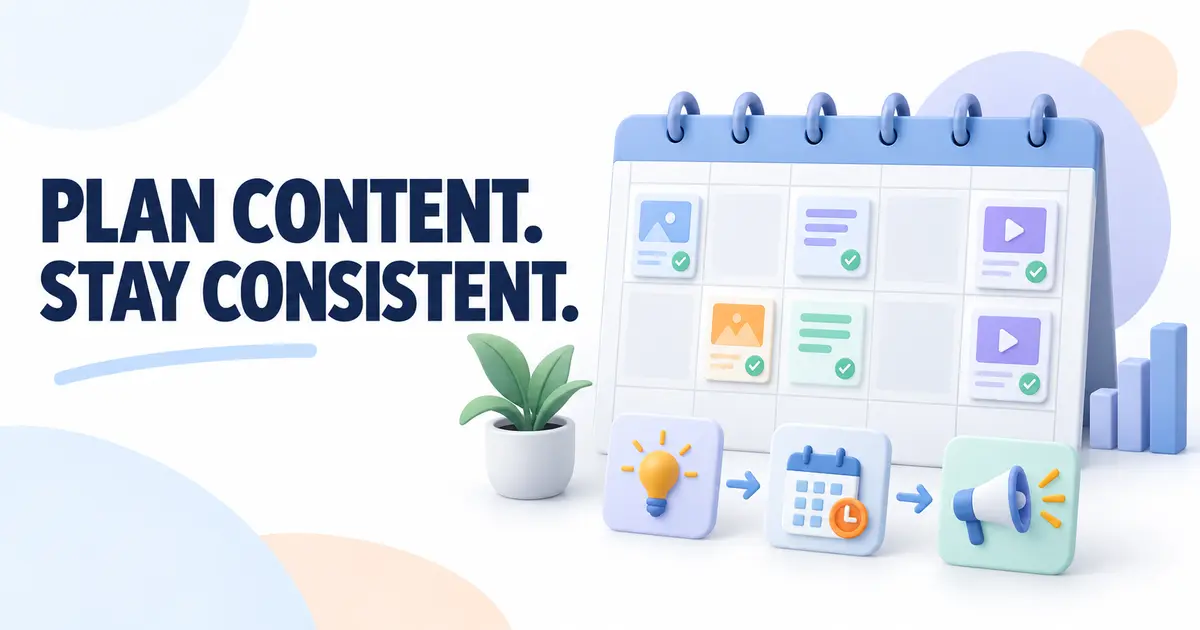
Creating content without a plan can become confusing. You may forget useful ideas, repeat topics, or rush on publishing day.
A simple content calendar gives your work direction without making your schedule complicated.
What Is a Content Calendar?
A content calendar is a simple plan showing what content will be created, where it will be published, and when it will go live.
It can be a spreadsheet, digital calendar, notebook, or project board. The tool matters less than keeping the plan clear and current.
It lets you see upcoming topics, platforms, and dates before you begin working.
How Is It Different From Other Plans?
A content calendar focuses on publishing. It may show that an article will go live on Tuesday and an email on Friday.
A weekly workflow shows when you will handle repeated business tasks. It may include writing, customer replies, invoices, and other work. It is not limited to published content.
A general content idea list collects possible topics without giving them a format, platform, or date.
The idea list provides options. The calendar schedules selected ideas, while your workflow provides time to create them.
Choose a Realistic Publishing Frequency
Beginners do not need to publish every day. Daily content takes time for research, writing, design, and review. An unrealistic schedule can reduce quality or cause publishing to stop.
Choose a frequency you can maintain during a normal week. One useful article each week may be better than several rushed articles. Two helpful social posts may be enough when you are also serving customers.
Consider your available time and business needs. Estimate how long one complete piece takes. Start small and increase the frequency only when it feels manageable.
Your frequency can also change during busy periods. A temporary reduction is better than forcing a schedule that leaves no time to create something helpful.
Focus on One or Two Channels
You do not need to be active everywhere. Managing many channels can divide your attention.
Choose one main channel, such as a blog, newsletter, YouTube channel, or professional social platform. If useful, add one supporting channel.
Consider where your audience looks for help, which format suits your skills, and your available time.
Use Simple Content Categories
Content categories are themes related to your business and audience. They stop ideas from feeling random.
A designer might choose branding basics, project preparation, and design mistakes. Three to five categories are usually enough.
Good ideas often come from real conversations. Questions asked before buying, repeated support questions, feedback, and common beginner problems may become articles, videos, emails, or short posts.
Record ideas before they are forgotten. Keep one list on your phone, in a document, or beside your calendar. Add the topic and the problem it should solve.
What Should a Simple Calendar Include?
A basic content calendar may include:
- Topic: The subject or working title.
- Content type: Article, video, email, guide, or social post.
- Platform: Where the content will appear.
- Planned date: When it should go live.
- Status: Idea, planned, creating, ready, or published.
- Important links: Research, source material, related pages, or the published URL.
- Notes: The main point, audience question, image need, or next action.
Only include details that help you work. Too many fields can turn a simple calendar into another task to manage.
A Simple One-Week Content Calendar
| Date | Topic | Type | Platform | Status | Notes |
|---|---|---|---|---|---|
| Tuesday | Preparing files for a designer | Article | Blog | Creating | Add checklist |
| Thursday | Three file mistakes | Short post | Planned | Adapt article points | |
| Saturday | File format question | Newsletter | Idea | Add one example |
This calendar has only three items. That is enough when every item has a useful purpose and the work fits the available time.
Group Similar Content Tasks
Constantly switching between research, writing, design, and publishing can waste attention.
You could research several topics in one session or prepare multiple social posts together. This is called batching.
Batching means handling similar activities together when that saves time, not completing everything in one day.
When a repeated task becomes difficult to remember, a short written process may help.
Repurpose Content Without Copying It Everywhere
One useful piece may become another format. An article could provide key points for an email, checklist, or two short posts. A video could become an article.
Repurposing is not simply copying and pasting. Select the helpful parts, adjust the length, and make the presentation suit each platform.
Quality and usefulness matter more than filling every date. Leaving a date empty is better than publishing weak content only to complete the calendar.
Avoid Planning Too Far Ahead
Planning many detailed months can feel organized, but customer needs and business priorities may change.
Keep a broad future list, but plan details for only the next two to four weeks. This leaves room for new questions.
Review the calendar weekly or monthly. Remove outdated ideas and move useful unfinished topics to realistic dates.
Also notice which topics received questions, replies, or steady interest. This simple review can guide future choices without turning the calendar into a complicated performance report.
Missing a date does not mean the plan failed. If the topic still matters, choose a new date and adjust later items. Do not rush weak content to catch up.
Practical Examples
A blogger could plan one detailed article each Tuesday and one short social post on Friday using a key lesson from it.
A freelancer could publish one weekly answer to a common client question and one monthly case study that protects private client information.
A digital product creator could schedule a tutorial, a common mistake, and an email showing customers a useful way to use the product.
A service business could alternate between educational articles, common questions, and simple process examples. Its content should help potential customers understand a problem, rather than only promoting the service.
Create Your First Content Calendar
- Choose one main content channel and, if needed, one supporting channel.
- Select three to five categories related to your audience and business.
- Collect customer questions, common problems, feedback, and existing ideas in one place.
- Choose a publishing frequency that fits your normal available time.
- Pick content for the next two to four weeks, not many detailed months.
- Add the topic, content type, platform, date, status, links, and useful notes.
- Set aside time for research, creation, review, and publishing.
- Review the calendar regularly and update it when priorities change.
Common Mistakes to Avoid
Planning too much content becomes discouraging when the calendar ignores the time needed for good work.
Choosing too many platforms creates extra work without automatically improving results.
Copying irrelevant trends can attract the wrong audience. Topics should connect with your business.
Publishing only promotions is unhelpful. People also need answers, examples, and practical guidance.
Never reviewing the calendar leaves old ideas and changed priorities in the plan.
Final Thoughts
A simple content calendar gives your ideas a place and publishing a realistic rhythm. Start with a few categories and a frequency you can maintain.
Review it regularly, move dates when necessary, and keep usefulness ahead of volume. The best calendar helps you create valuable content consistently without making your business harder to manage.
A useful content calendar does not force you to publish constantly. It simply helps you decide what to create next and gives each useful idea a realistic place in your schedule.