
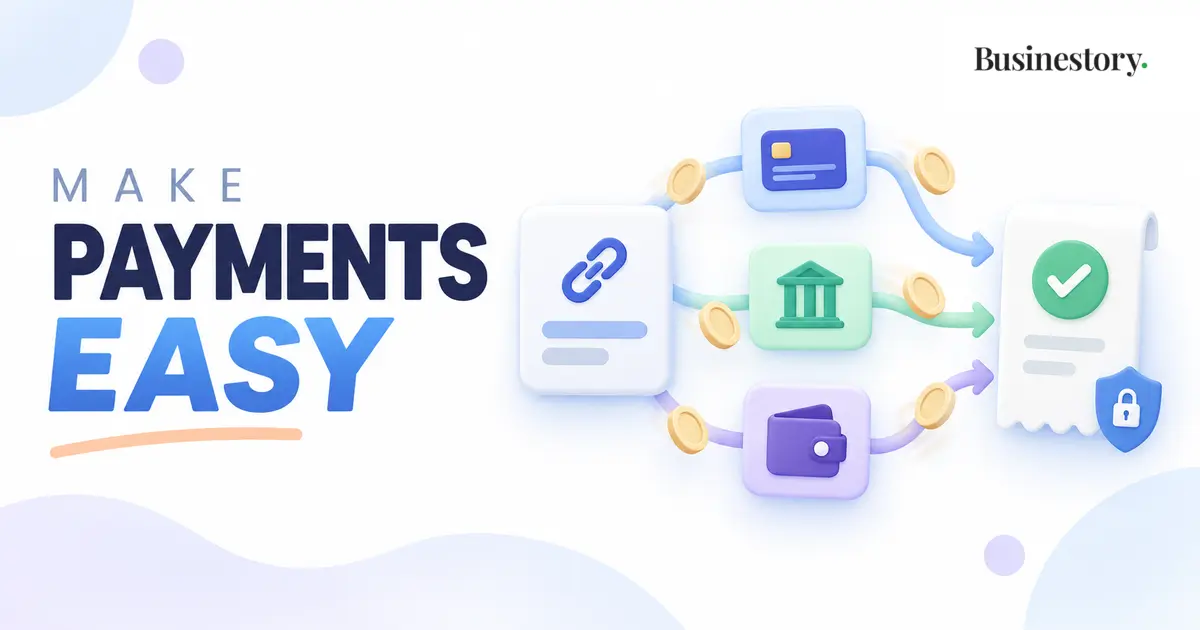
Accepting online payments means giving customers a safe way to pay you through the internet. Money may arrive through a bank transfer, card, digital wallet, payment link, or payment platform.
Beginners do not need every available option. Start with one or two reliable methods that are easy for you and your customers. Add another only when customers genuinely need it.
Understand the Basic Payment Terms
Payment language can sound complicated, but the main terms are simple.
A payment method is the way a customer chooses to pay. Examples include a debit card, credit card, digital wallet, or bank transfer.
A payment gateway securely collects payment information on a website or checkout page and sends it for approval. It is like a protected online payment counter.
A payment processor moves payment information between the customer’s bank, card network, and your payment service. One provider may handle both the gateway and processing, so you may not manage them separately.
A payment link opens a secure page where a customer can complete a payment.
A bank transfer moves money directly from the customer’s bank account to yours, using the details or local system required in that country.
Common Ways to Receive Payments Online
Bank transfers can suit local clients or larger payments. Fees may be low, but confirmation can take time, and international transfers may be inconvenient.
Card payments are familiar and convenient, especially on websites, but the provider usually charges a transaction fee.
Payment links help freelancers and small services without an online store. You can create one for a specific amount and share it through a trusted channel.
Digital wallets use money or cards connected to a wallet app. Availability varies by country.
Payment platforms may combine checkout pages, card processing, payment links, currency support, receipts, and reports. Some serve local buyers; others support international customers.
These options do not always send money to your bank immediately. A customer’s payment may first appear in the platform balance and then be paid out to your bank after a waiting period. Learn the difference between a successful customer payment and a completed bank payout so you know where the money is.
How to Choose a Suitable Payment Method
Start with your customer. A local freelance client may prefer a bank transfer, while an international buyer may prefer a card or recognised platform.
Check whether the service supports your country, your customers’ locations, required currencies, account type, transaction and conversion fees, and expected payout time.
Check ease of use too. Can customers pay without confusing steps? Can you quickly verify payments and download transaction records?
The cheapest option is not always best. A low-fee method may cost you sales if customers find it difficult or untrustworthy. A convenient, reliable option can provide better value despite a higher fee.
Match the method to your needs. A freelancer may need deposits, a digital creator may need automatic checkout, and a blogger may need affiliate or advertising payouts. Choose the simplest suitable method.
Give Customers Clear Payment Information
Before requesting payment, state the total amount, currency, method, and due date when applicable. Explain whether you will confirm the order, begin work, send access, or arrange the next step after verification.
Make sure the amount matches your agreement. Consider provider fees when setting prices, but do not surprise customers with unexpected charges. Explain any permitted customer-paid fee before they agree.
Create links only through a trusted provider. Check the amount and currency, then share the link through your business email, official website, invoice, or another recognised channel. Say what the payment covers.
Never request a card number, security code, PIN, password, or one-time code by email, chat, or direct message. Customers should enter sensitive information only on the bank’s or provider’s secure page.
Confirm the Money Before Delivering Paid Work
A screenshot is not proof that money arrived. It may be altered or show a pending payment.
Check your bank or provider dashboard yourself. Confirm the customer, amount, currency, reference, and completed status. When advance payment is required, do not begin or deliver paid work until verification.
Save confirmations and transaction references with your business records. They help match payments to orders and answer later questions. A clear folder and simple record may be enough.
Handle Deposits and Partial Payments Clearly
Service businesses may request a deposit before starting and the balance later. A designer, for example, might request 50% before starting and 50% before releasing final files.
State the full price, deposit, payment dates, and remaining balance before work begins. After each payment, confirm the amount received and still due. Keep the terms consistent with the agreed scope.
Payment confirmations and transaction references should be stored with your other business records.
Practical Examples
A freelancer might send a secure link for a 50% deposit, verify it in the provider dashboard, begin work, and request the balance at the agreed stage.
A digital product creator might use a card checkout that automatically gives access after successful payment. The creator should test the checkout and confirmation first.
A blogger receiving affiliate or advertising income should check the platform’s minimum payout, supported bank details, currency, fees, and payout schedule.
A consultant might accept local bank transfers and offer a card link. Two clear options are often better than five confusing ones.
A Simple First-Payment Process
- Decide what you are selling, the price, and the currency.
- Identify the payment method most convenient for your likely customers.
- Compare two or three available providers for fees, payout time, supported currencies, ease of use, and account requirements.
- Create and verify your business payment account using accurate information.
- Set up a bank transfer option, payment link, or checkout page.
- Test the process with a small payment if the provider allows it.
- Send the customer clear payment instructions, including the amount, currency, due date, and next step.
- Check the provider or bank directly to confirm that the payment succeeded.
- Send a brief confirmation and continue with the agreed work or order process.
- Save the transaction reference and payment confirmation.
Common Mistakes to Avoid
Beginners sometimes offer too many payment methods, which makes their own process harder to manage. Other common mistakes include unclear instructions, requesting the wrong currency, trusting a screenshot, forgetting transaction records, and sharing payment details through insecure messages.
Another mistake is choosing a provider only because its fee looks low. Reliability, customer convenience, payout access, and clear records are also important.
Do not wait until a customer is ready to pay before testing your setup. An incorrect link, unverified account, unsupported currency, or missing bank detail can delay the order and reduce trust. Complete the provider’s verification process early, review the payment page as a customer would, and keep a backup method for genuine technical problems. However, avoid changing payment details suddenly without clearly confirming the change through your normal business channel.
Payment services, fees, tax rules, currency rules, and business requirements vary by country and provider. They can also change. Check the provider’s current terms and the rules that apply where you operate. Seek qualified local help when necessary instead of relying on general online advice.
Final Thoughts
Accepting your first online payment does not require a complicated system. Choose one or two secure methods, explain the amount and next step clearly, verify every payment through the official account, and save the transaction details.
A simple payment process helps customers feel confident and helps you stay organised. Begin with what your business needs today, learn from real customer use, and add another method only when there is a clear reason.