
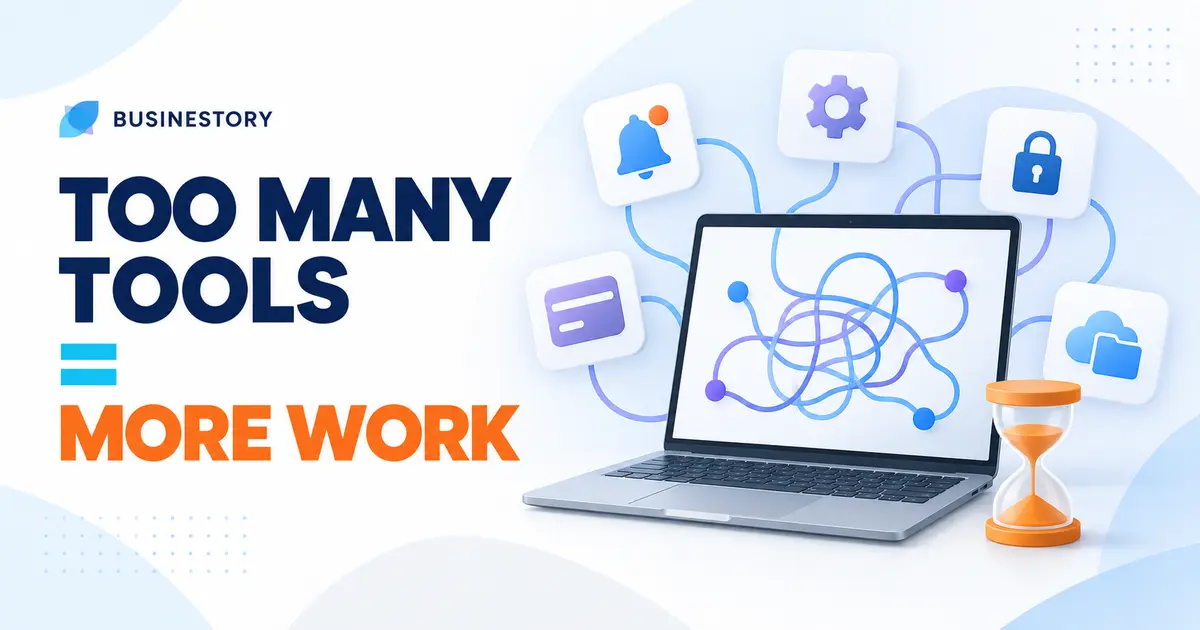
Good software can save time, automate repeated tasks, and organise information. But adding more tools does not automatically produce more meaningful work.
Every tool has two sides: the task it helps with and the extra work it creates. When that hidden work becomes too large, a tool that promised simplicity makes the business more complicated.
Every Tool Needs Attention
Even basic software creates responsibilities. You must create an account, learn the interface, configure settings, manage a password, organise files, connect integrations, update software, check notifications, and renew subscriptions.
Connections may break, and updates may change familiar features. You may also forget where information is stored. These small tasks can quietly consume hours, leaving less attention for customers, content, sales, or delivery.
Tool Sprawl and Tool Debt
“Tool sprawl” means gradually collecting many tools without intentionally designing the whole system.
You may start with separate apps for notes and tasks, then add a content planner with similar features. Eventually, several tools perform overlapping jobs without clear roles.
A larger business may need specialised software. Tool sprawl becomes a problem when the collection is bigger and less clear than the work requires.
“Tool debt” is the burden left by old tools, duplicate systems, unused subscriptions, and complicated setups. An old app may still hold client records while a new app holds current work. Both need attention, and finding the correct information becomes harder. The debt stays hidden until a subscription renews, something breaks, or information disappears.
A new tool should solve a specific business problem rather than simply offer more features.
Why Collecting Tools Feels Productive
Beginners sometimes collect tools for a psychological reason. Opening an account and building a neat dashboard feels like visible progress and gives quick satisfaction.
Real work can feel less comfortable. Writing an article, approaching a client, finishing a product, or answering a difficult question requires effort and uncertainty. Testing software can become a safer substitute. Feeling organised is not always the same as moving forward.
Feature-rich software can also create “option overload.” Instead of doing the original task, you choose views, labels, fields, dashboards, and automations. Options designed to offer control begin demanding attention.
Is It a Tool Problem or a Process Problem?
A tool problem exists when your software genuinely cannot perform an important job reasonably well. A process problem exists when the steps, responsibilities, or expected result are unclear.
Changing software will not repair an unclear process. A freelancer may miss project details because there is no standard way to collect client information. Moving to a new project platform will not solve that cause.
A service business may reply slowly because nobody has a clear responsibility for checking enquiries. A new inbox cannot decide who should respond. A blogger may keep changing planning apps when the real problem is having no clear path from an idea to a finished article.
A template, a simple routine, or a short SOP can sometimes fix the issue without another purchase. Software should support a clear process, not be expected to invent one.
Overlapping Tools Create Confusion
When two tools do similar jobs, information is often duplicated. A client deadline may appear in a calendar, task app, spreadsheet, and message thread.
This can look safe, but the copies may become different. If the deadline changes and only two places are updated, which date is correct? You now spend time entering, checking, and correcting the same information.
Tools should support a workflow rather than become the workflow itself. The work should move through clear steps without depending on your ability to remember several apps and keep every copy identical.
Switching Tools Is Not Free
A replacement can look easy during a trial, but switching has a migration cost. You must learn the new interface, export data, rebuild templates, change habits, reconnect integrations, and check whether anything was lost. Contractors or team members may need to adjust too.
For this reason, a free tool is not truly free if it creates extra time, complexity, or future migration work. Its price is only one part of its cost.
An expensive tool is not automatically better either. If most features are never used, you may be paying for complexity that adds no useful result. Value comes from the job completed, not the length of the feature list.
Create a Core Tool Stack
A core tool stack is the smallest group of tools needed for your most important business tasks. It may cover communication, payments, file storage, customer records, and the main work you deliver.
The goal is not to reach a perfect number. It is to give every essential tool a clear role and remove unnecessary overlap.
Follow one rule before adding anything: do not add a new tool unless it solves a specific problem that the current system cannot solve reasonably well.
Your current setup does not have to be perfect. A familiar tool that performs the job well enough may be more valuable than a powerful replacement that requires weeks of setup.
Practical Examples
A blogger can keep ideas in one reliable place instead of spreading them across phone notes, emails, documents, and planning apps.
A freelancer using two project systems may still collect client details manually. A reusable questionnaire and template may help more than a third system.
A digital product creator with a small volume of questions, feedback, and update ideas may need only one organised record.
A service business should define available hours and cancellation rules before deciding whether scheduling software is necessary.
Run a Tool Audit Every Three Months
Once every three months, list every paid tool, free account, and browser extension connected to the business. Forgotten accounts can still hold information or create work.
Ask these questions about each one:
- What job does this tool perform?
- How often do I use it?
- Is another tool already doing the same job?
- What happens if I remove it?
- Does it save more time than it creates?
Classify each tool as essential, useful but optional, duplicate, rarely used, or ready to remove.
Before closing an account, export necessary records, check connections, and protect active customer work. Then cancel unwanted renewals and remove it carefully.
The audit is not a competition to use the fewest apps. Its purpose is to keep your system understandable and intentional.
Mistakes That Keep the Problem Growing
One common mistake is chasing new software because a demonstration looks impressive. The demonstration shows attractive features, but rarely shows the learning and maintenance they will add.
Another mistake is keeping unused subscriptions because they may become useful someday. Without a current purpose, that imagined future value can turn into months of wasted money and attention.
Replacing tools too often creates repeated migration work and prevents useful habits from becoming stable. Choosing software only by comparing feature lists can also lead to paying for options unrelated to the real need.
The best setup is not the one with the most advanced software. It is one you understand, maintain, and use consistently.
Let Tools Earn Their Place
Tools should reduce effort, not become another part of the business that constantly needs management. Each tool should have a clear purpose and save more time or difficulty than it creates.
Before searching for another app, identify the real obstacle. A clearer template, a simple routine, a small SOP, or one agreed place for information may solve it with less complexity.
A small, stable core tool stack leaves more room for work that matters: serving customers, creating useful products, publishing helpful content, and improving the business. The goal is not to avoid software. It is to keep only the tools that genuinely earn their place.
The best business tool stack is not the one with the most software. It is the smallest system that reliably helps you do the work your business actually needs.